
Double-OptIn-Download Downloads Plugin
Your visitors can see downloads that they have requested by clicking on the double-opt-in link in the email that they are sent. In order to set this up you must create a plugin on the display page. Proceed as follows:
-
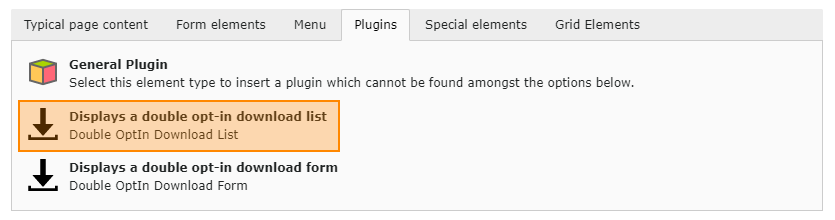
On the downloads page (See Pages and Containers, point 3), create the Double OptIn Download - Download List plugin.
-
Do this by creating a Plugin content element in the usual way
-
Further settings in the plugin are unnecessary as all settings have already been set using the TypoScript constants.